
Why Is My Twitter Account Suspended?
Why Is My Twitter Account Suspended? Learn the main reasons and how to recover your account quickly with this simple, updated guide.
Why Is My Twitter Account Suspended? It can be both frustrating and confusing when you suddenly lose access to your profile. In this article, 2ui will help you understand why your Twitter (X) account may be suspended and guide you through the fastest way to recover it.
Suspended vs. Locked: Identifying Your Account Status
Understanding your account status is the first step to fixing the issue. Twitter (X) applies different levels of restrictions depending on the violation. Below are the most common types and how to recognize them.
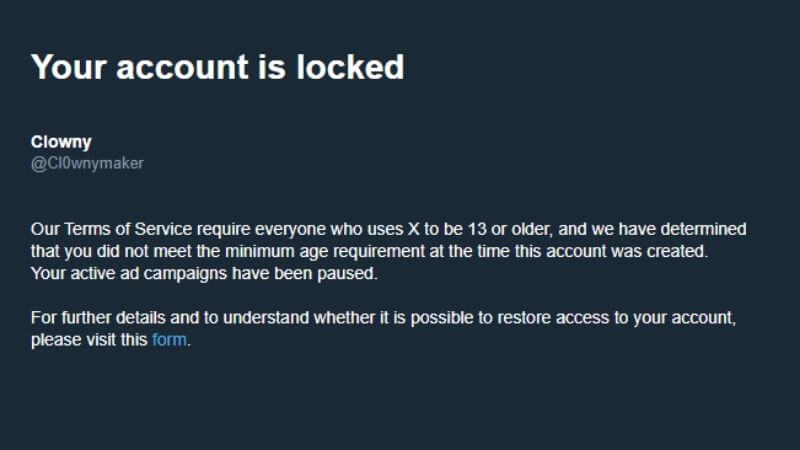
Account Locked
This is usually a security-related issue, often triggered by suspicious activity or login attempts. You’ll be asked to verify your identity.
+ You’re prompted to verify phone number or email
+ You cannot tweet, like, or follow
+ A message appears asking you to complete a security check
+ Access is restored after successful verification
Temporary Suspension
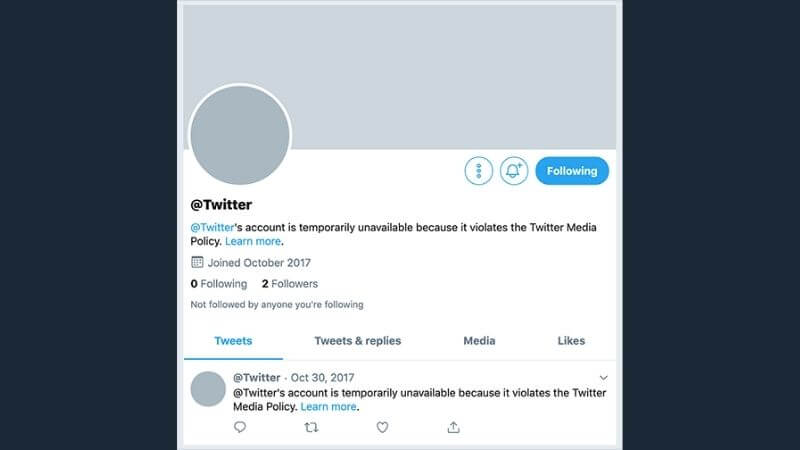
This is a short-term restriction due to minor rule violations. Your account is limited but not fully banned.
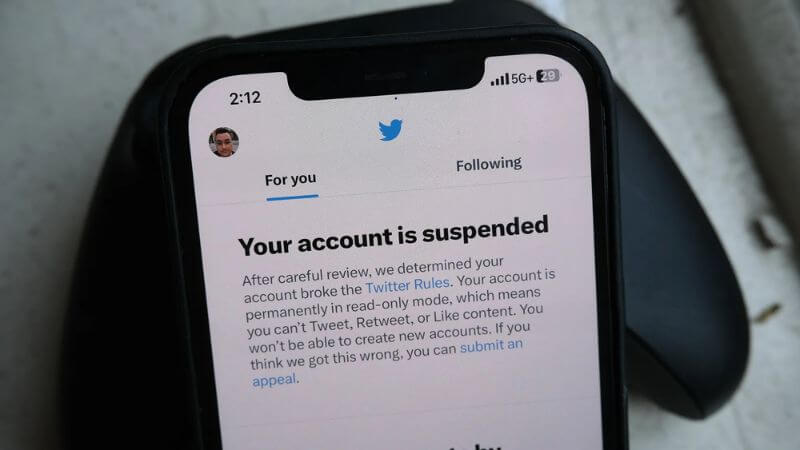
+ Account is in read-only mode (you can’t post or interact)
+ Duration typically lasts 12–48 hours
+ You may see a warning about violating platform rules
+ Full access returns after the restriction period
Permanent Suspension
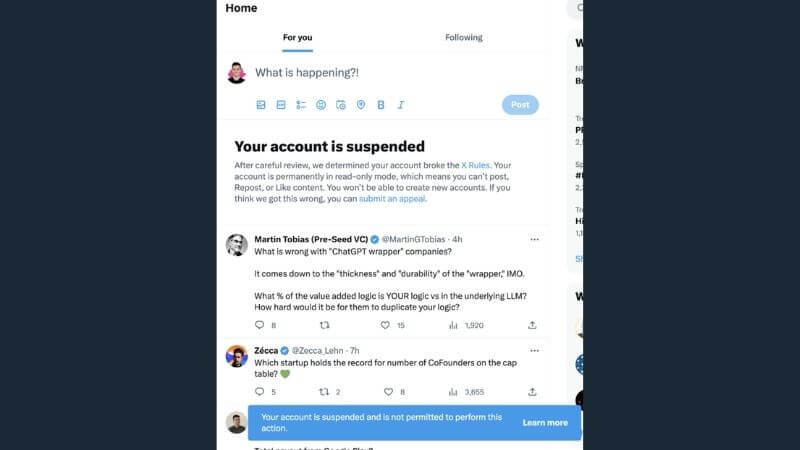
This is the most serious penalty, usually for repeated or severe violations.
+ Your account is removed from search results
+ Others cannot view your profile or tweets
+ You receive a notice stating your account is suspended
+ Requires an appeal to recover (not always guaranteed)
Shadowban
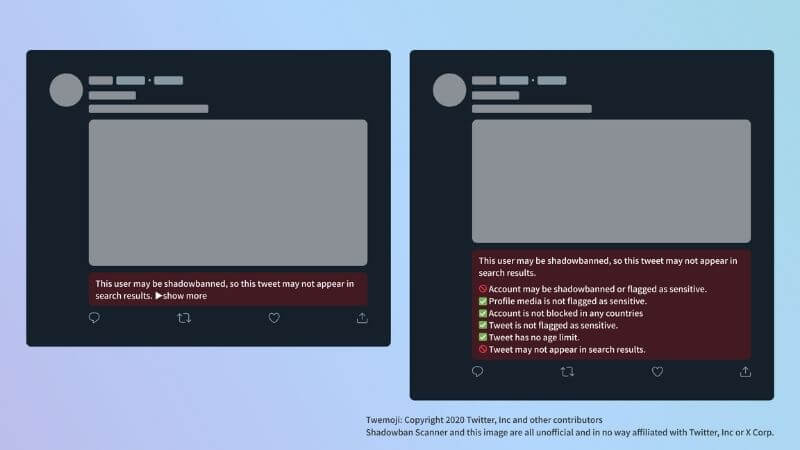
Also known as visibility filtering, this is when your content is quietly limited without clear notification.
+ Your tweets get very low engagement (likes, views, replies)
+ Posts may not appear in search or hashtags
+ No official warning from Twitter (X)
+ Often caused by spam-like behavior or repetitive content
5 Main Reasons Explained: Why Is My Twitter Account Suspended?
If you’ve ever asked yourself why Is my Twitter account suspended, you’re not alone. Many users face sudden restrictions without fully understanding the cause. Below are the 5 main reasons that can lead to account suspension and what you should watch out for.
Reason 1: Security (Account Security)
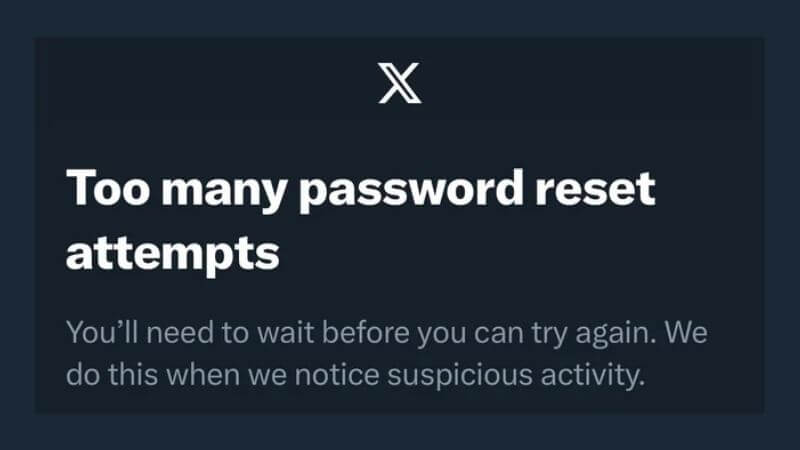
One of the most common reasons X suspends accounts is security-related issues. If the system detects unusual activity such as logins from unfamiliar IP addresses or suspects the account has been hacked, it may temporarily lock the account to protect the user. The goal is to ensure that no third party is controlling the account.
Specific behaviors that trigger security suspensions include:
+ Logging in from unusual devices or locations.
+ Multiple failed login attempts in a short period.
+ Account being compromised to send phishing or malicious content.
Reason 2: Spam (Platform Manipulation)
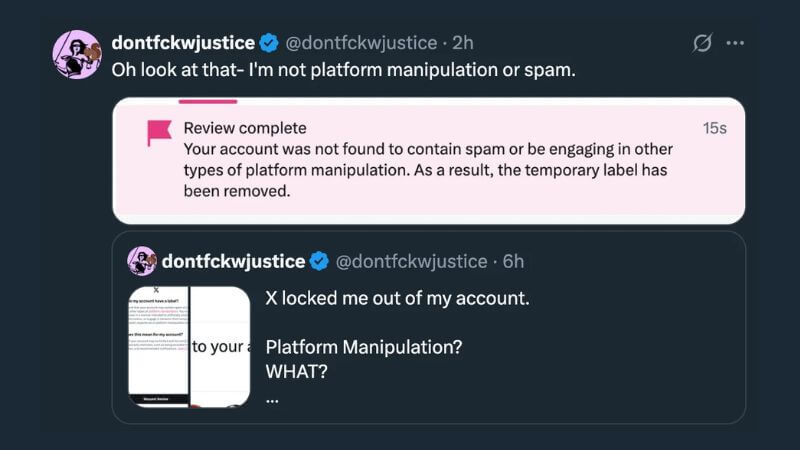
X strictly prohibits spam and platform manipulation. This is a common reason accounts are suspended quickly. Violations often include:
+ Posting excessive links to ads or malicious websites in a short time.
+ Using bots to automatically tweet, retweet, like, or follow/unfollow in bulk.
+ Creating multiple accounts to artificially inflate engagement or disrupt other users’ experience.
Reason 3: Safety (Hate Speech and Harassment)
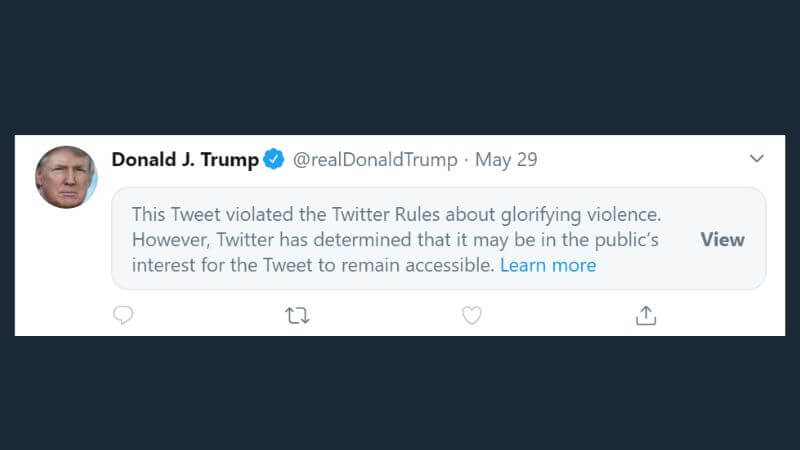
X prioritizes user safety. Accounts that engage in hate speech, harassment, or threats can be suspended immediately. Violating behaviors include:
+ Tweeting or DMing content that threatens, bullies, or harasses others.
+ Using racist, sexist, religiously discriminatory, or sexually targeted language to attack others.
+ Repeated violations despite warnings.
Reason 4: Copyright (DMCA Violations)
Copyright issues are another major reason X suspends accounts. This usually involves DMCA takedown notices. Common violations include:
+ Posting videos, music, or images without permission from the copyright owner.
+ Using someone else’s content for commercial purposes without authorization.
+ Sharing files or links that infringe copyright, including torrents.
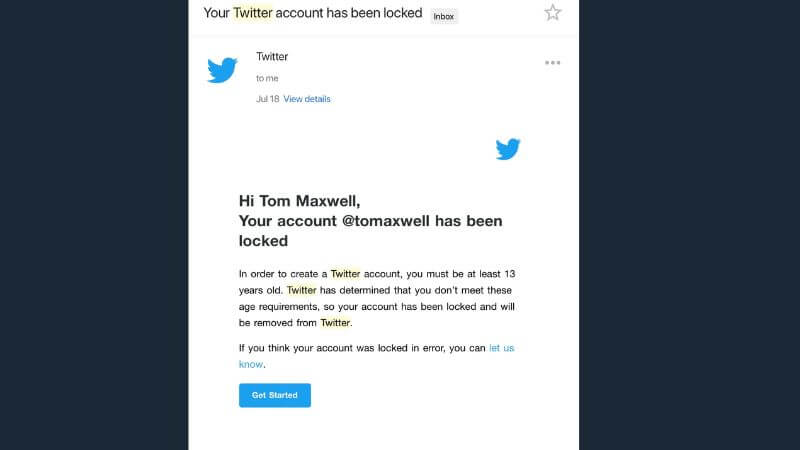
Reason 5: Underage (Users Under 13)
X requires users to be at least 13 years old. Accounts found to belong to underage users are suspended immediately. Violations include:
+ Providing false birthdate information during registration.
+ Users under 13 accessing the platform even with parental consent but not meeting the age requirement.
How to Unsuspend Your Twitter Account: Step-by-Step Recovery
If your Twitter account has been suspended, you can follow these actionable steps to recover it quickly.
Self-Service
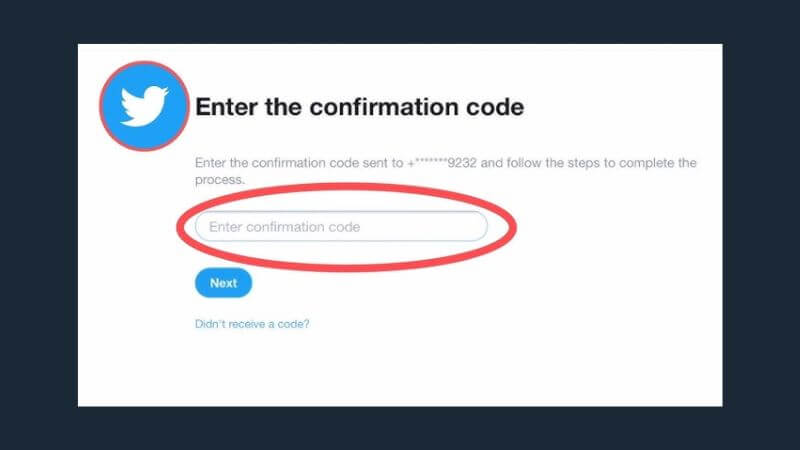
The easiest way to start is through self-service verification. Twitter may ask you to confirm your identity via SMS or email.
Steps:
1. Log in to your suspended account.
2. Check for a prompt asking you to verify your phone number or email.
3. Enter the code sent to your device or email to confirm your identity.
This method works for most security-related suspensions.
Deleting Tweets
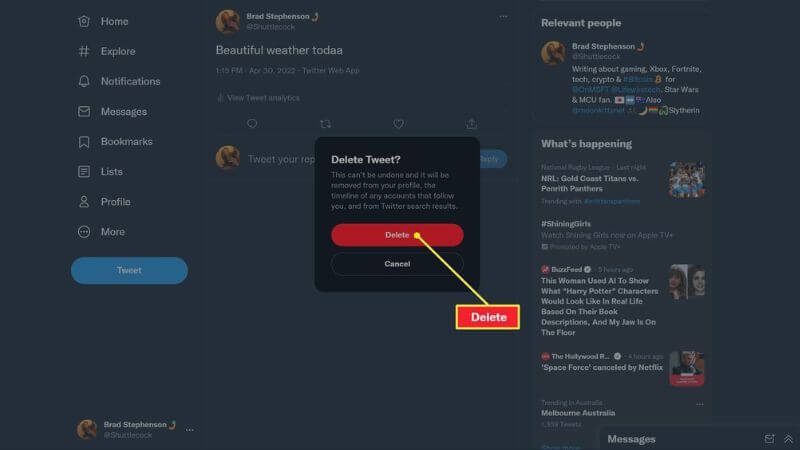
If your account was suspended due to policy violations like spam, abusive content, or copyright issues, deleting offending tweets can help.
Steps:
1. Log in and review your recent tweets.
2. Identify tweets flagged by Twitter for violations.
3. Delete the problematic tweets carefully.
Once the content is removed, you may be able to request account restoration.
Filing an Official Appeal
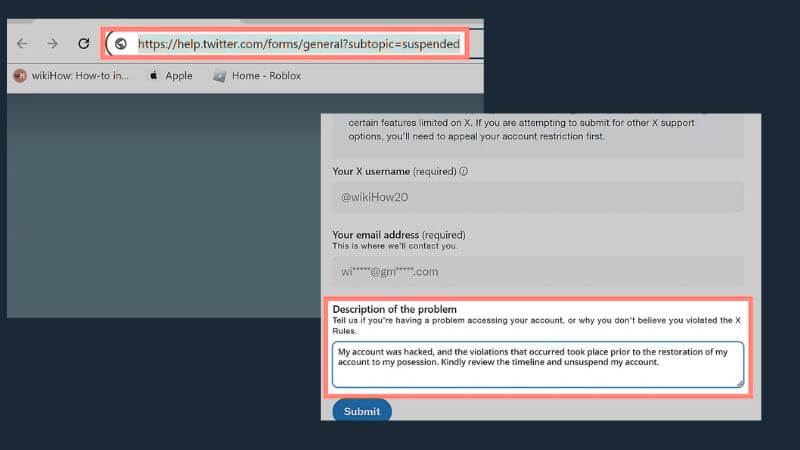
For suspensions that cannot be resolved automatically, you need to file an appeal through Twitter’s Help Center.
Steps:
1. Go to Twitter Help Center or search for “Twitter suspended account appeal.”
2. Fill out the form with your account information and explain why your account should be reinstated.
3. Submit the appeal and wait for Twitter’s response, which may take several days.
The Secret to a Successful Appeal: Tips & Templates
To maximize your chances of getting your X account reinstated, keep these tips in mind:
+ Be polite and professional in your appeal. Avoid blaming or aggressive language.
+ Acknowledge any mistakes if you accidentally violated the rules.
+ Clearly explain misunderstandings if you believe the suspension was a mistake.
+ Provide accurate account details and any supporting evidence.
Here are two ready-to-use templates you can copy and adapt:
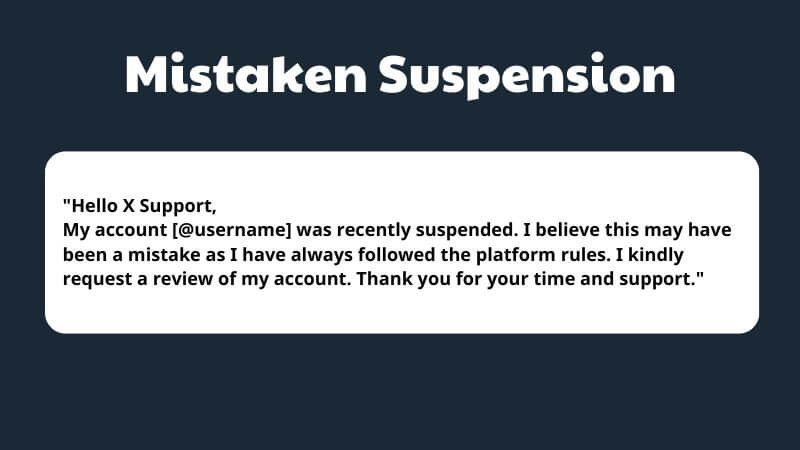
Template 1 – Mistaken Suspension:
"Hello X Support,
My account [@username] was recently suspended. I believe this may have been a mistake as I have always followed the platform rules. I kindly request a review of my account. Thank you for your time and support."
Template 2 – Accidental Violation:
"Hello X Support,
My account [@username] was suspended due to content that may have unintentionally violated X rules. I sincerely apologize for this and have removed the offending posts. I would greatly appreciate if you could review and reinstate my account. Thank you!"
What to Do If Your Appeal Is Denied or Ignored?
If your Twitter appeal is denied or you don’t receive a response, don’t give up. You can resubmit your appeal after waiting a few days or a week. Make sure to clarify any missing information and provide accurate account details.
Additionally, you can try reaching out via Twitter Support on other channels, such as their official support account or contact forms in the Help Center. Persistence and clear communication often increase your chances of having your account reinstated.
Best Practices to Protect Your X Account in the Future
Keep your account safe and avoid future suspensions by following these simple best practices:
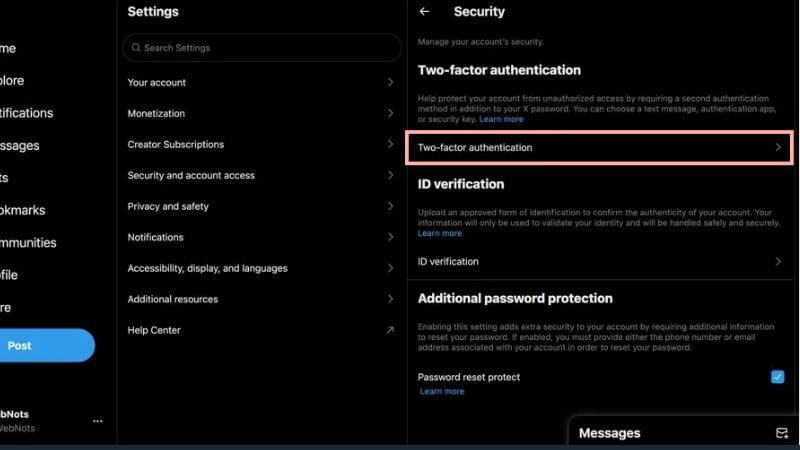
+ Enable 2FA (Two-Factor Authentication) to add an extra security layer.
+ Limit use of third-party apps that are unverified or unclear in origin.
+ Regularly review X’s Rules and Policies to ensure your content and actions remain compliant.
+ Monitor your login activity and remove unfamiliar devices promptly.
+ Think before tweeting or retweeting content that could violate X rules.
Now you understand Why Is My Twitter Account Suspended? and what steps to take next. By following the right recovery process and avoiding common mistakes, you can restore your account quickly and prevent future suspensions. Follow the 2ui'blog for more tips, tools, and strategies in digital marketing to grow your business online.